VPN for Android TV
Happ on TV: VPN for Smart TV
Install Happ on Android TV or Google TV, add your CHEBA VPN dashboard link and watch services through an encrypted connection. Step-by-step guide is in the blog.
Links up to 1 Gbps. We do not store browsing history.
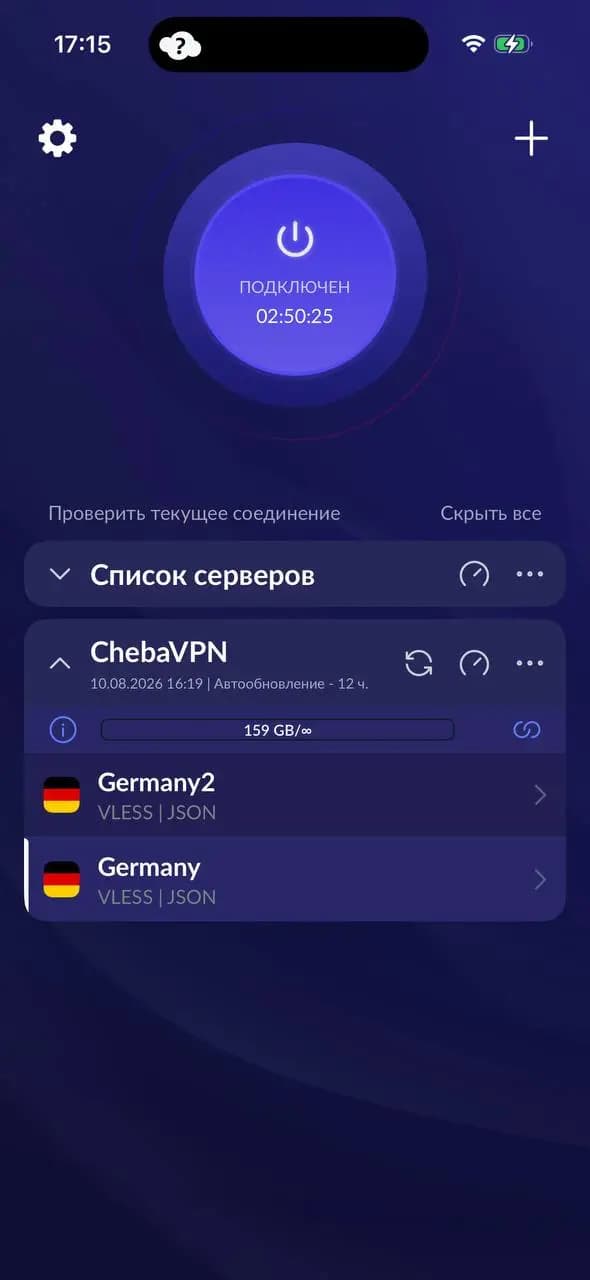
Connection is protected
Your TV goes onlinethrough the same secure tunnel as your phone.
Why it works well on Android TV
Client on the TV itself
Happ installs on Android TV and Google TV. No need to share VPN from a phone hotspot.
Same plan as on your phone
Add the dashboard link on the TV the same way you do on an Android phone.
Steady channel for video
Servers on links up to 1 Gbps help streaming and online services run more smoothly.
Official APK
Take Happ.apk from project releases or a trusted download page — not from ads.
How to connect
Three steps. It usually takes a couple of minutes.
Create an account
Sign up and get 3 days of full access right away.
Download Happ
A free app for your phone or computer.
Add the config
The link appears in your account — paste it into Happ and connect.
When it helps
- You need a VPN on Android TV or Google TV
- You want to watch services through a secure connection
- You do not want to share VPN from a phone to the TV
- You already use CHEBA VPN on your phone and are adding a TV
This is what websites see
Useful articles
Frequently asked questions
Connect VPN on your TV
3 days of full access, no card required. If it fits — plans from $1.50 per month.